Read in Other Languages
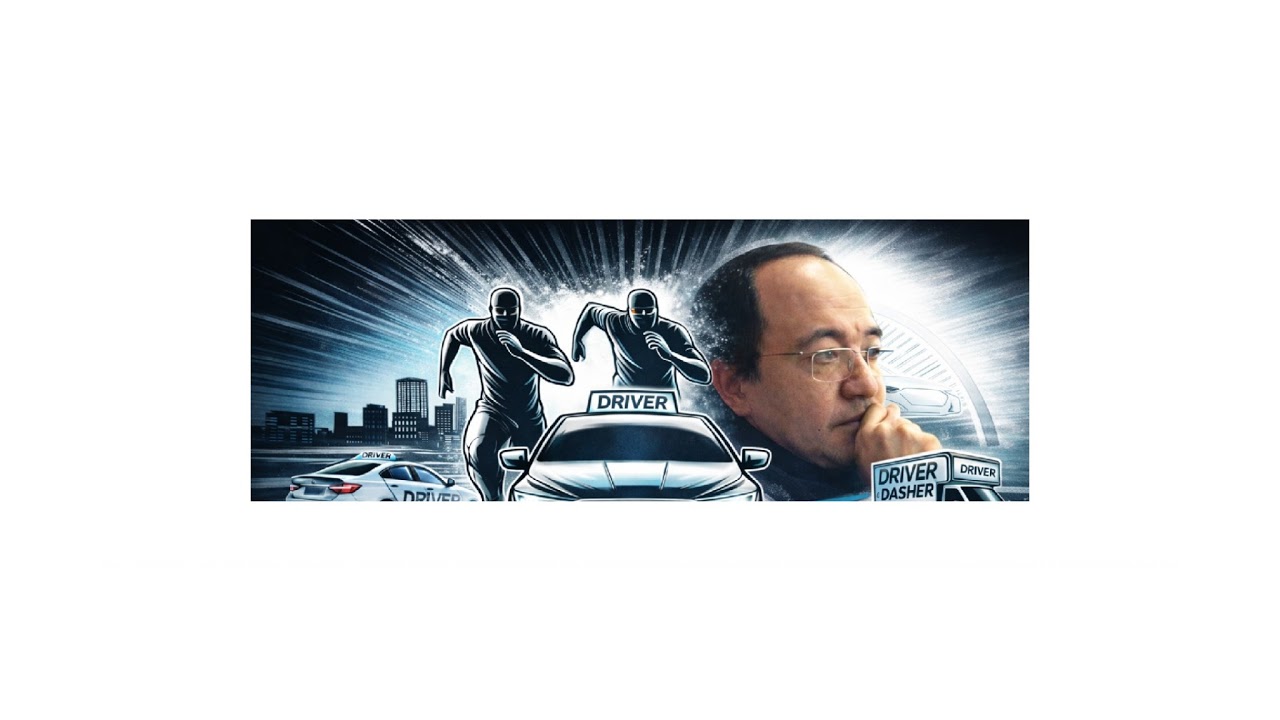
On the Road with an AI — From Kitchener-Waterloo to Ottawa
This was no ordinary road trip. My hands were on the wheel, my eyes on the road — but an AI built and ran the entire broadcast from start to finish. All I did was speak; it turned my words into reality. Below, you can read what we lived through as a travel story, and if you're curious, you'll also find the behind-the-scenes machinery tucked away inside the drop-down boxes.
🚗 Morning, the first command
We left Kitchener-Waterloo in the morning, Ottawa-bound. Before we'd even pulled out, I asked it to put together today's broadcast: the day's headlines, the weather, the route… I gave the order out loud, and it took care of the rest. Within minutes, subtitles were streaming across the screen in seven languages, the day's top stories were surfacing on the side console, and an opening monologue — in my own cloned voice — sat ready and waiting.
That's where the first surprise turned up: the audio it had prepared was playing on my computer, but it wasn't reaching the stream. I assumed "great, it's going out" — but it said, "Just because I can hear it doesn't mean it's on air," and went to check what was really happening. It found that the sound truly wasn't getting through, then fixed it.
- Subtitles and the side console were populated with the day's content in 7 languages (TR·EN·FR·DE·ES·RU·HI): route, weather, news agenda.
- The opening monologue was generated in the cloned voice (local XTTS).
- It was caught that the audio wasn't reaching the stream: OBS had no source capturing system audio. The
Sesbrowser source was added to the scene, and the fact that the audio was now going out was proven via the OBS audio meter — "I heard it" was not treated as good enough. - Voiceovers were produced in 7 languages; first with free system voices, then with high-quality ElevenLabs, assigning a distinct voice to each language.
- During narration, the music auto-ducked and came back up when it ended; every step was verified on the meter.
- The generated audio was archived, and a content library page was set up in the panel.
📡 One bar of signal
We went live and pressed on. As I asked for them, fresh news segments were prepared; the second bulletin was refreshed before we set off again. Then the internet started giving us trouble. Out on the highway the connection kept dropping and coming back; we pulled into a rest stop for a break. Then we hit the road again and entered the countryside — and that's where the real trouble began: one bar of signal, a connection that kept cutting out, and at times outright dead zones.
On the move I kept giving voice commands; it kept watch over the system. Together we learned an important truth: when I thought "the stream's gone down," most of the time it was my phone's internet that had dropped — the broadcast was actually still running. The truth came not from my own eyes, but from the check it ran against YouTube itself.
- The setting that was killing the stream was found: the YouTube broadcast was being started with
enableAutoStop=true— a dropout of just a few seconds would end the broadcast outright, and the link would die. - One incident was quantified: a ~4-minute real internet outage had ballooned into a 16-minute blackout, thanks to auto-stop plus manual recovery.
- Auto-stop was turned off (both for the live broadcast in the moment and as the panel's default) → now a dropout no longer kills the stream; it resumes from where it left off on the same link.
- Quality was dialled down for the countryside: 360p + dynamic bitrate; reconnection was sped up; and a 90-second stream delay buffer hid short dropouts from viewers.
- A critical principle emerged: recovery must be local and autonomous — it must not depend on me over the internet, because when the connection drops, my link to it drops too.
⛽ This time, I started the stream myself
I pulled over for a break at a gas station out in the countryside. Meanwhile, it was getting the third broadcast ready — and this time we changed the format: instead of running everything through in one block, a radio-style layout that wove music in between the voiceovers in different languages. And the best part: this time I started the stream, and it carried on by itself from where things stood — without me saying "go," the system saw the start on its own and began streaming the content. Mile by mile we made our way toward Ottawa; there were still dropouts, but the broadcast was now picking itself back up.
auto_recover, already present in the panel, was discovered: if the stream unexpectedly drops, the panel restarts it on its own — locally, with no need for me.- An important distinction: a deliberate stop must be issued from the panel's own end, so the system doesn't mistake it for a "drop" and bring it back up.
- The resilience standards were baked permanently into the OBS profile → even without me, even if started by hand, the same rules apply.
- An autonomous-start watcher was set up: once the stream is "active + main scene," the content triggers itself.
- The interleaved format: music ↔ voiceovers in 7 languages + a special Kingston video; subtitles and the side console always in sync with the language being spoken.
Over the course of a single day, a human and an AI — on the road, talking out loud — put a broadcast on air. I steered, it built; I tired, it stayed on its feet. From Kitchener-Waterloo to Ottawa — and we're still on the road.
📺 Today's broadcasts: all in one playlist — a morning Driver & Dasher live drive, plus the afternoon and evening DunDem News bulletins.